What Is a Sahibinden Virtual Tour and How Do You Add It to a Listing?
A virtual tour on listing sites lets viewers walk through a space via connected 360-degree scenes. Here is what it does and how a professionally shot tour is linked to your listing.
Use the buttons below to get an AI summary of this article.
What Is a Sahibinden Virtual Tour and How Do You Add It to a Listing?
The virtual tour you see on listing sites such as Sahibinden is an interactive view that lets people walk through the listed space room by room using connected 360-degree scenes. A buyer or tenant can enter through the door, move down the hallway and see how the rooms open onto each other without visiting in person. To add one to your listing, the space first needs to be shot professionally and turned into a walkable tour, and then the tour's link is added to the field the listing site provides.
In this guide we explain what the virtual tour field is, what it gives the person viewing the listing, and how a professionally shot tour is linked to it. Fees and listing rules depend on each platform's current terms, so for those we point you to the relevant site's help pages. At G360 we have been shooting 360-degree virtual tours for businesses since 2018, and here we share what we know about the shooting and publishing side.
What is the virtual tour field on listing sites?
On listing sites you will sometimes see a separate field next to the photo gallery, labelled something like “virtual tour” or “360-degree view”. Unlike flat photos, this field opens a viewer that lets you move around inside the space. You drag the screen to look around and click transition arrows to move to the next area.
What this field is called, which listing types it is available for and which link formats it accepts can vary from platform to platform. That is why we recommend checking the site's listing screen and help pages before preparing your listing. If you want a fuller picture of how virtual tours work, our guide What Is a Virtual Tour? A Complete Guide for Businesses is a good place to start.
Why don't separate 360 photos count as a virtual tour?
Many people searching for how a Sahibinden virtual tour is made assume that a panorama taken with a phone or a single 360 photo will be enough. In reality, a phone or a single 360 camera produces, at most, separate 360 photos. These are disconnected frames: the viewer can look at one room but cannot step into the next. That is not a virtual tour.
What makes a virtual tour a virtual tour is that the scenes are linked to each other from the right points. Someone standing in front of a door clicks it and moves into the hallway, from the hallway into the living area, and from there onto the terrace. When these links follow the real layout of the space, the viewer builds an accurate mental map of it. G360 shoots and prepares tours whose scenes are connected and walkable. We explain the difference in more detail in our article comparing separate photos with a professional shoot.
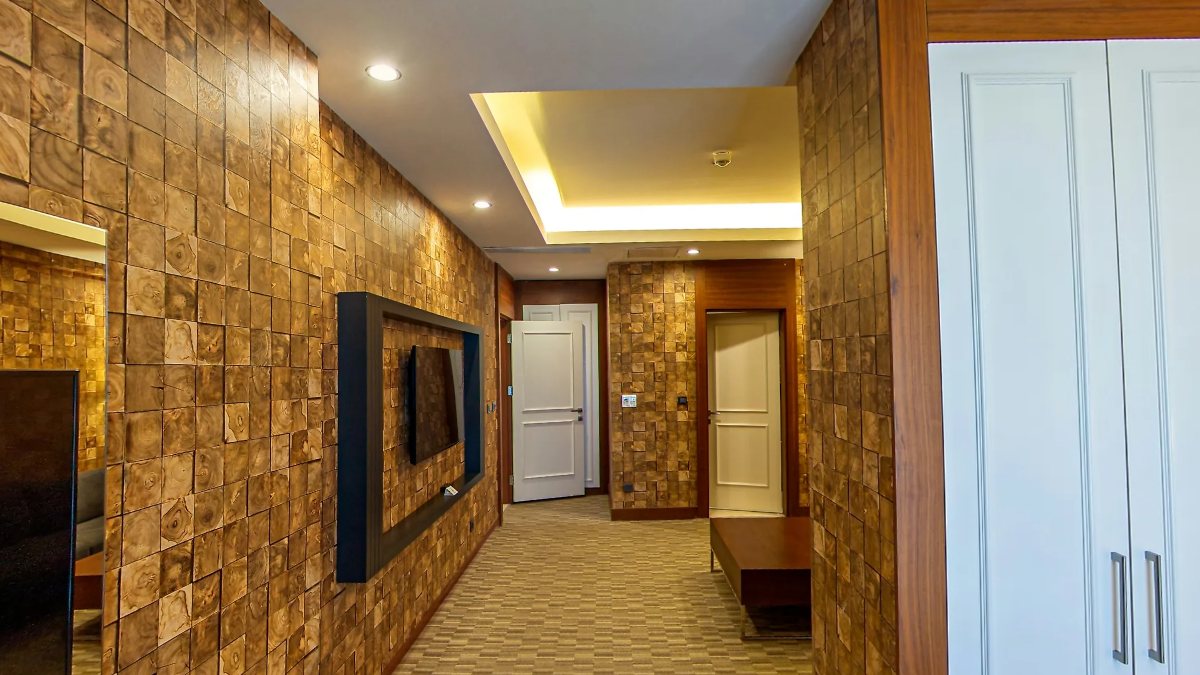
For example, the Radisson Blu Hotel, Diyarbakir tour in Diyarbakır is made up of 101 scenes, each linked to the next. In the frame below you can see how a room corridor opens towards its doors.
What does a virtual tour give buyers and tenants?
For the person viewing the listing, the main benefit is getting a realistic sense of the space before seeing it in person. Flat photos show selected angles; in a virtual tour, the viewer decides where to look.
- They see where the rooms sit in relation to each other and where hallways and doors lead.
- They get a sense of ceiling height, window placement, light and overall spaciousness.
- Someone living in another city or with a busy schedule can study the space comfortably before visiting.
- They can share the same link with family or a partner and decide together.
It works in a similar way for the person who posted the listing. People who are genuinely interested will have walked through the tour before booking a viewing, so conversations start with clearer questions. We do not promise this with a number or a percentage, but a walkable tour gives the viewer a sense of the whole that flat photos cannot.
How is a professionally shot tour linked to a listing?
Getting a professional virtual tour onto a listing happens in a few steps:
- Planning: Which areas go into the tour and from which points the scenes will be shot are agreed in advance. Our guide How Do I Get a Virtual Tour for My Business? walks through this stage step by step.
- Shooting and preparation: G360 shoots the space, processes the scenes and links them together.
- Tour page: The finished tour gets its own page on g360.ai at a /vr/... address. The link to this page is what goes into the listing.
- Adding it to the listing: If the listing site offers a link field for virtual tours, you usually add the link there on the create or edit listing screen.
The point to watch is that each platform may accept links differently. Some sites only accept certain kinds of links, while others do not allow external addresses in the listing description at all. Following the platform's rules always comes first, so we recommend reading the site's current listing rules before adding the tour. Where there is no link field, sharing the tour with interested people in line with the platform's rules once you are in contact is another option.
What does the viewer see, and how do they move around?
Someone who clicks the link in the listing opens the tour on its g360.ai page and finds themselves inside the first scene. They drag the screen with a finger or mouse to look around. When they click a transition arrow on the floor or in a doorway, they move to the next scene and progress through the space step by step.
The number of scenes depends on the size of the space and the areas to be shown. The Ramada By Wyndham Erzurum tour in Erzurum has 77 scenes, while the Ramada By Wyndham Karapinar Konya tour in Konya has 49. That many scenes only make sense if each one is linked to the next from the right place; otherwise the viewer loses their way.
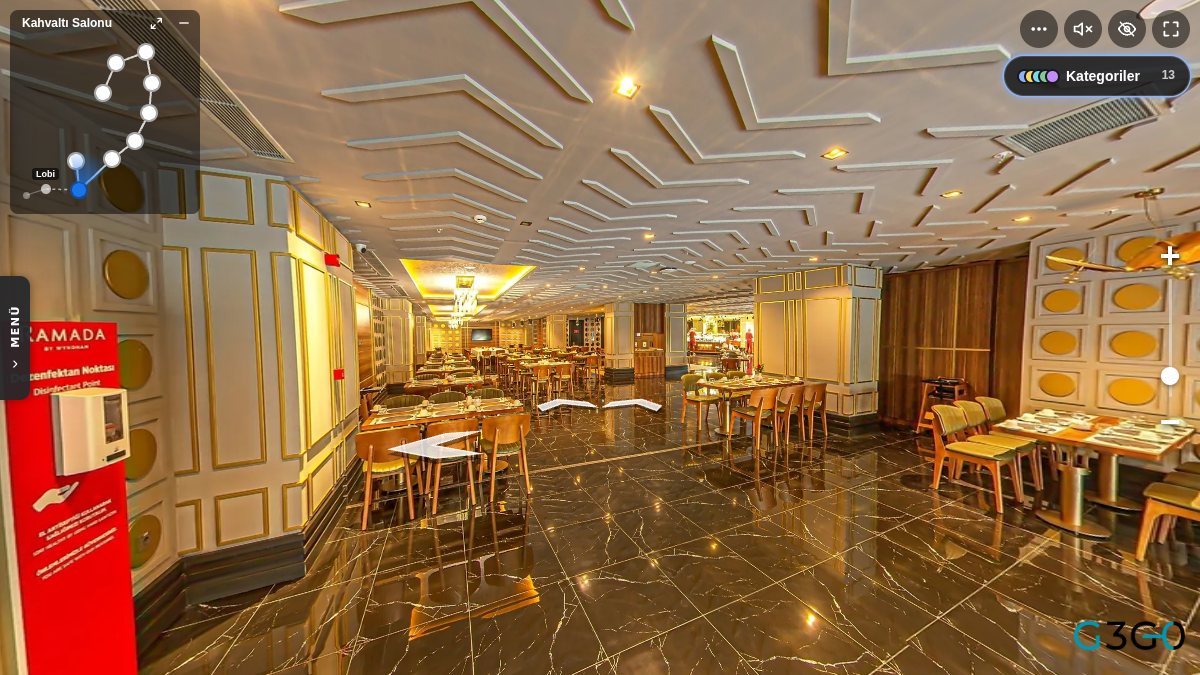
It is also possible to add notes at specific points inside the tour. We cover these markers, which explain what an area is for or highlight a detail, in our guide to hotspots and info cards. In the frame below you can see the restaurant hall of the Ramada By Wyndham Erzurum tour together with the transition arrows in the player.
Is the Sahibinden virtual tour paid?
There are two separate sides to this question. The first is the listing site itself: whether the virtual tour field is paid, and for which listing types and under which conditions it is available, is entirely the platform's decision and can change over time. It would not be right for us to state anything definitive on the platform's behalf; the most current information is in the site's listing rules and help pages.
The second is the shoot: at G360, payment for a virtual tour is one-time, with no monthly fee. We do not give prices in figures here, because our single source for current information is the pricing page. We would also like to remind you that a Google Business Profile is free. If you receive calls asking you to pay for your profile, take a look at our warning about callers claiming to be from Google.
Is the tour only useful for the listing?
No. Tours shot by G360 are published on the business's Google Maps profile, and each tour also has its own page on g360.ai at a /vr/... address. So the same tour works both as a link in your listing and as a view that people searching for your business on the map can open.
A few examples from spaces of different sizes:
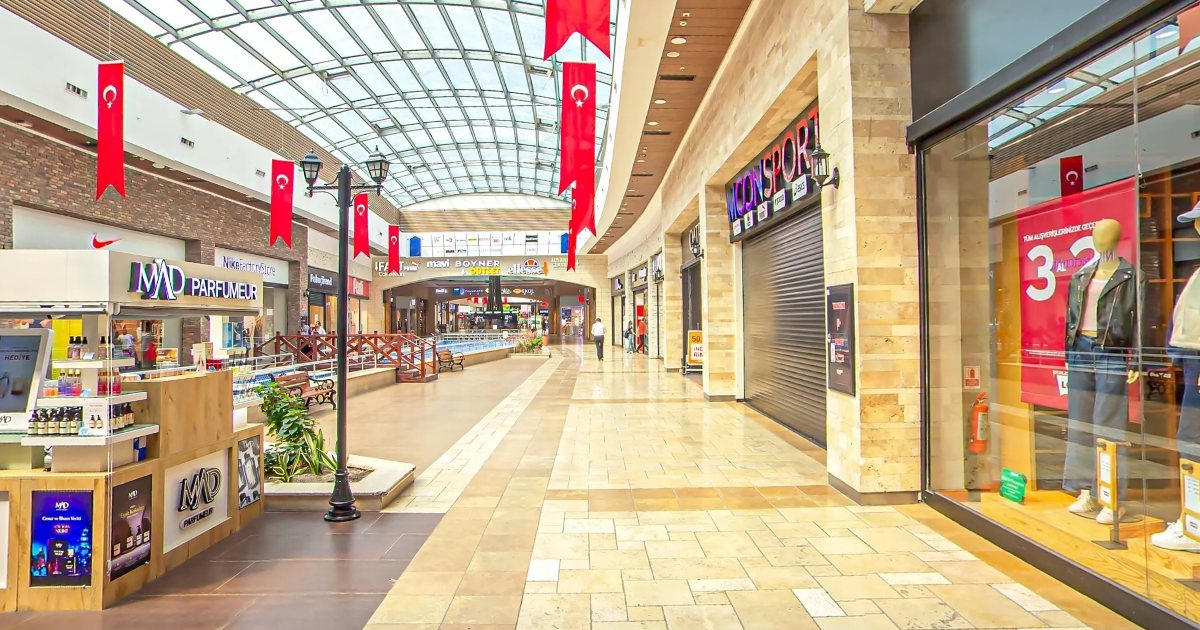
- The Highway Outlet Avm tour in Bolu shows wide shopping walkways across 11 scenes.
- The Kaburgacı Yaşar Usta tour in Adana is made up of 27 scenes.
- The Arabica Coffee House Beysukent tour in Ankara presents a café's layout in 10 scenes.
So far we have shot more than 1,600 tours. You can browse shoots by province on our virtual tour page and examples by sector in our portfolio. If you are wondering what happens to the tour when the layout changes, see our guide How Is a Virtual Tour Updated?.
Where can you start?
If you want to show your space in a walkable way on a listing site or on Google Maps, a sensible first step is to talk through which areas should be shot. For a site visit and a quote, you can write to us through our contact page, and you can review pricing on the pricing page.
Frequently Asked Questions
A virtual tour on listing sites is a viewer that makes the listed space walkable through connected 360-degree scenes. The viewer clicks arrows to move from area to area and sees the layout first-hand.
A walkable virtual tour is prepared by shooting scenes professionally and linking them together, and G360 takes care of that work. Separate 360 photos taken with a phone are not connected, so they cannot replace a virtual tour.
Whether the virtual tour field comes with a fee or conditions is best answered by the platform's current listing rules. On the shooting side, payment at G360 is one-time, and current prices are on our pricing page.
Once the tour is ready, it has its own page on g360.ai and you can share that page's link. If the listing site offers a field for such links, you add it there; check the site's help pages for the accepted format.
A single 360 photo only lets people look around from the point where it was taken. Since nobody can move between rooms, it is not a virtual tour and gives limited insight into the layout.
No. Tours shot by G360 are also published on the business's Google Maps profile, and each tour has its own page on g360.ai.
When the layout or decor changes, the tour may need an update or some areas may need to be reshot. Our update guide explains which option fits which situation.
A virtual tour for your business
We photograph your hotel, restaurant, shop or clinic in 360° and add the tour to Google Maps and your website.
Get a quote