Preparing for a Virtual Tour Shoot: What to Do Before Shoot Day
In most cases you do not need to close your business on shoot day. Tidying the space, switching on the lights, putting away personal items and briefing staff is usually enough.
Use the buttons below to get an AI summary of this article.
Preparing for a Virtual Tour Shoot: What to Do Before Shoot Day
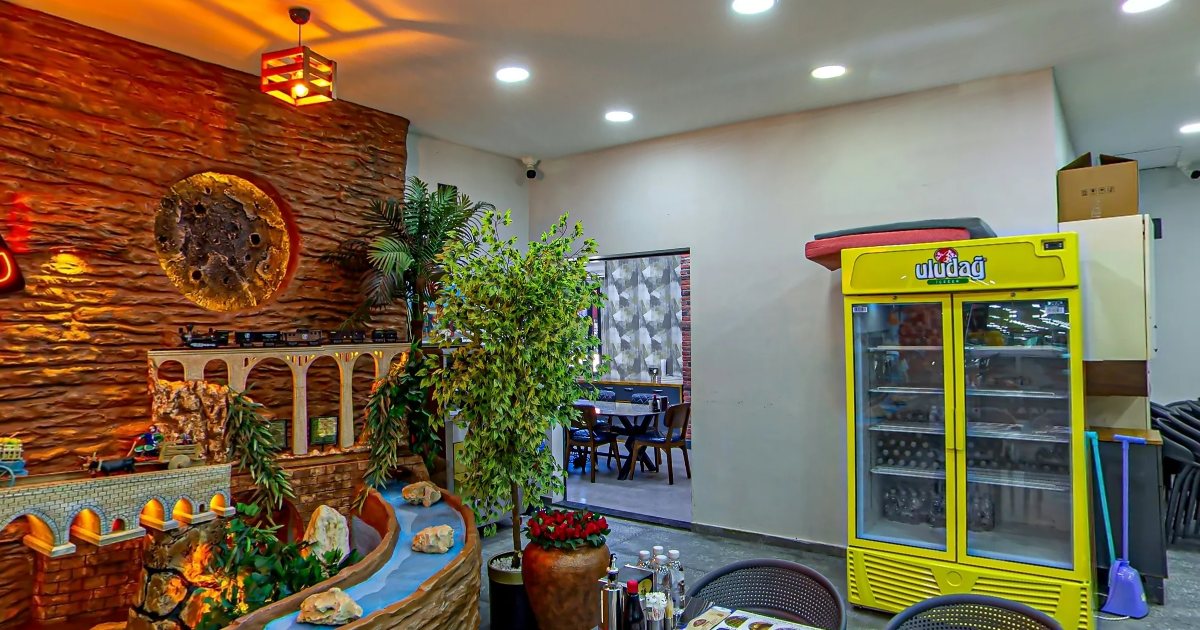
In most cases you do not need to close your business on shoot day. What really matters is that the space is tidy, well lit and ready in the state you want your customers to see. Arranged tables and shelves, lights switched on, personal items put away and staff who know about the shoot in advance largely decide how the finished tour will look.
At G360 we have been shooting 360 degree virtual tours for businesses since 2018, and we have completed more than 1600 tours so far. In this guide we walk you through the preparations you can make on your side before our team arrives. Shooting the tour, linking the scenes and getting it ready for publication is our job; what we ask of you is to prepare your space with care for that day.
Do you need to close your business on shoot day?
Usually not. Most restaurants, cafes and shops have their tour shot while they are open; what matters is choosing the right moment. The quietest hours, or the calm period just before opening, make things easier for both you and our team. Shooting during a busy lunch service can disturb your customers and means more people end up in the frames than necessary.
If your venue is busy all day, scheduling the shoot before opening is often the most comfortable option. Some businesses prefer to keep only the area being shot clear for a short while; for example, service can continue in the dining room while the terrace is being shot. You can agree on a suitable time with us during the site visit and quote stage. If you want to see the whole process, take a look at our guide on the steps to getting a virtual tour for your business.
Why is every corner visible in a 360 degree shoot?
In a normal photo it is easy to hide things outside the frame. In a 360 degree shoot, however, the camera sees every direction from where it stands at the same time: in front, behind, the ceiling and the floor. The boxes pushed behind the counter, the mop left in a corner or a coat hanging on a chair all become part of the tour.
That is why we suggest thinking about preparation not in terms of “where the camera is pointing” but in terms of “everywhere a customer could turn and look”. Once the tour is published, visitors can look in any direction and zoom in on whatever catches their eye. Clutter missed in one scene will be seen by everyone who enters that scene.
How should you prepare the space for the shoot?
Most of the preparation is similar to what you would do before a busy day. Before the shoot, going through these points is usually enough:
- Line up tables and chairs neatly, and set the tables the way a customer would see them when sitting down.
- Tidy counters, shelf fronts and display windows; in shops, make sure shelves look full and orderly.
- Move bins, cleaning supplies, boxes and spare chairs to an area that will not be shot.
- Mop the floor and let it dry; a wet floor reflects light and can look streaky.
- Clean windows, mirrors and shiny surfaces.
- Remove wilted flowers, worn posters and out-of-date notices.
In larger venues this preparation needs to be thought through area by area. The tour of Kaptan Konakoğlu Dinlenme Tesisleri in Afyonkarahisar has 19 scenes; in a tour like that, each scene works like a separate shop window, and clutter in one affects the impression of the whole tour.
Lights, curtains and screens
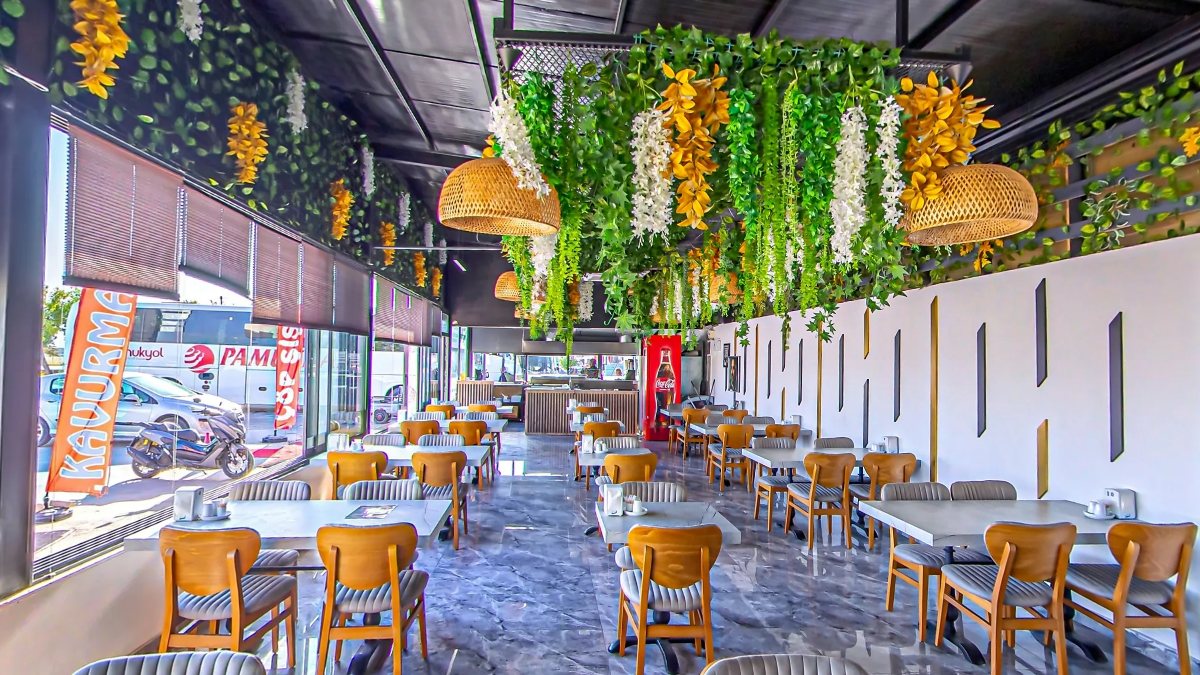
On shoot day every light in the venue should be on and working. Replacing dead bulbs in advance keeps dark corners out of the tour. If bulbs with different light colours are used side by side, walking through the space once with all the lights on before the shoot helps you notice it.
- Switch on general lighting, decorative lamps and display lights.
- Set curtains and blinds the same way throughout the venue.
- Screens showing menus or promotions can stay on; switch off computer and till screens that show personal information, or move them to another page.
If you would like to know more about how light affects a tour, our article on lighting in 360° shoots covers the topic.
Personal items and details that should stay out of view
A virtual tour becomes a public window into your venue. That is why a few things you no longer notice in daily operations should be put away before the shoot:
- Staff bags, coats, phones and charging cables
- Receipts, invoices and handwritten notes around the till
- Appointment books, order lists and documents containing customer information
- Shift rotas and internal notes pinned to boards
- Clutter inside an office or storeroom whose door is left open
Gathering these items in a single cupboard or a room that will not be shot makes things easier. During the shoot, also make sure the items you put away do not reappear as the day goes on.
How should you prepare your staff?
Letting your staff know about the shoot in advance puts them at ease and avoids confusion during the day. A short briefing on who will be where, how service will continue and which areas the camera will be working in is enough.
- Staff who prefer not to appear can move to another area while the camera is in theirs.
- Make sure the work clothes of staff who will appear in the tour are clean and neat.
- Choose someone who knows the venue well to accompany our team, and make sure they have the keys to locked rooms and know where the light switches are.
- If there are customers inside during the shoot, a short explanation is usually all that is needed.
What will your customers see in the tour?
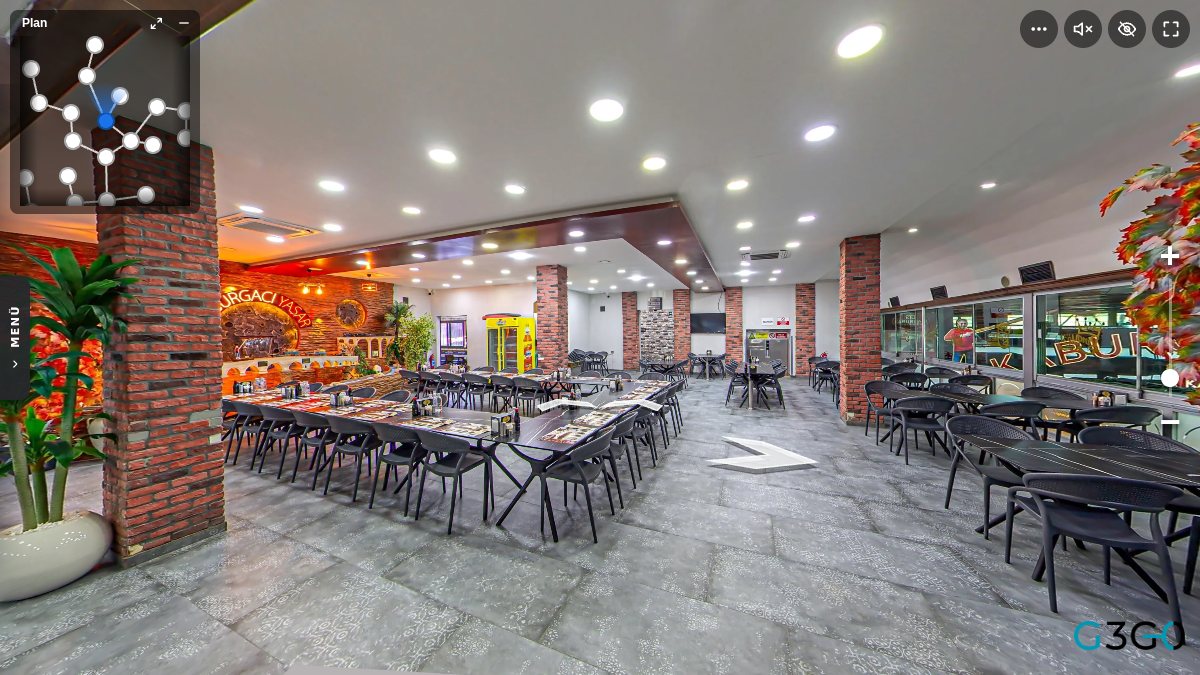
A virtual tour is made up of scenes linked to one another. Visitors start at the entrance and move on to the dining room, the terrace or other areas using the transition arrows on screen. That is why it is important to decide before the shoot which areas will be included. The areas you want customers to see should be prepared; if you would rather not include a storeroom, the back of the kitchen or an office, simply tell us in advance.
The size of a tour depends on the venue. The tour of Kaburgacı Yaşar Usta in Adana has 27 scenes, while the tour of Konya Kebap Evi in Konya has 8. To give some cafe examples as well, MACKBEAR COFFEE CO. in Ürgüp, Nevşehir can be explored in 4 scenes, and Gloria Jean's Coffees in Niğde in 6. Whatever the number of scenes, each one needs to be prepared on its own.
The tour we produce is published on your business's Google Maps profile and also gets its own page on g360.ai. You can browse more examples among our restaurant tours and cafe tours, and see tours shot province by province on our virtual tour page.
A short checklist before shoot day
The evening before or on the morning of the shoot, you can walk through the venue once and ask yourself these questions:
- Are tables, shelves and display windows in order?
- Are all the lights on and working?
- Have personal items, documents and screens been dealt with?
- Do staff know about the shoot, and is it clear who will accompany our team?
- Have you told our team which areas you do not want in the tour?
If your business has just opened, it is a good idea to wait until the decoration and product layout are finished. We cover this in detail in our article on timing a virtual tour for a newly opened business.
Your next step once you are ready
Once your space is prepared, we take care of the rest: we shoot, link the scenes together and get the tour ready for publication. To set a suitable shoot time or request a site visit, you can write to us through our contact page. You will find pricing information on the pricing page; at G360 payment is one-time and there is no monthly fee.
Frequently Asked Questions
In most cases you do not. Scheduling the shoot for a quiet time or before opening is usually enough, and you can discuss the right time with us in advance.
Focus on how tables and shelves are arranged, on cleanliness and on any clutter left out in the open. Because a 360 degree camera sees in every direction, the back corners also end up in the tour.
Yes, it helps if general lighting, decorative lamps and display lights are all working. Replacing dead bulbs beforehand keeps dark corners out of the tour.
No, staff who prefer not to appear can move to another area while the camera is in theirs. It is enough to mention this to our team before the shoot starts.
You decide which areas you want customers to see. If you would rather leave out a storeroom, an office or the back of the kitchen, just let us know before the shoot.
The tour is published on your business's Google Maps profile. Each tour also has its own page on g360.ai.
Current pricing is on our pricing page. At G360 payment is one-time and there is no monthly fee.
A virtual tour for your business
We photograph your hotel, restaurant, shop or clinic in 360° and add the tour to Google Maps and your website.
Get a quote